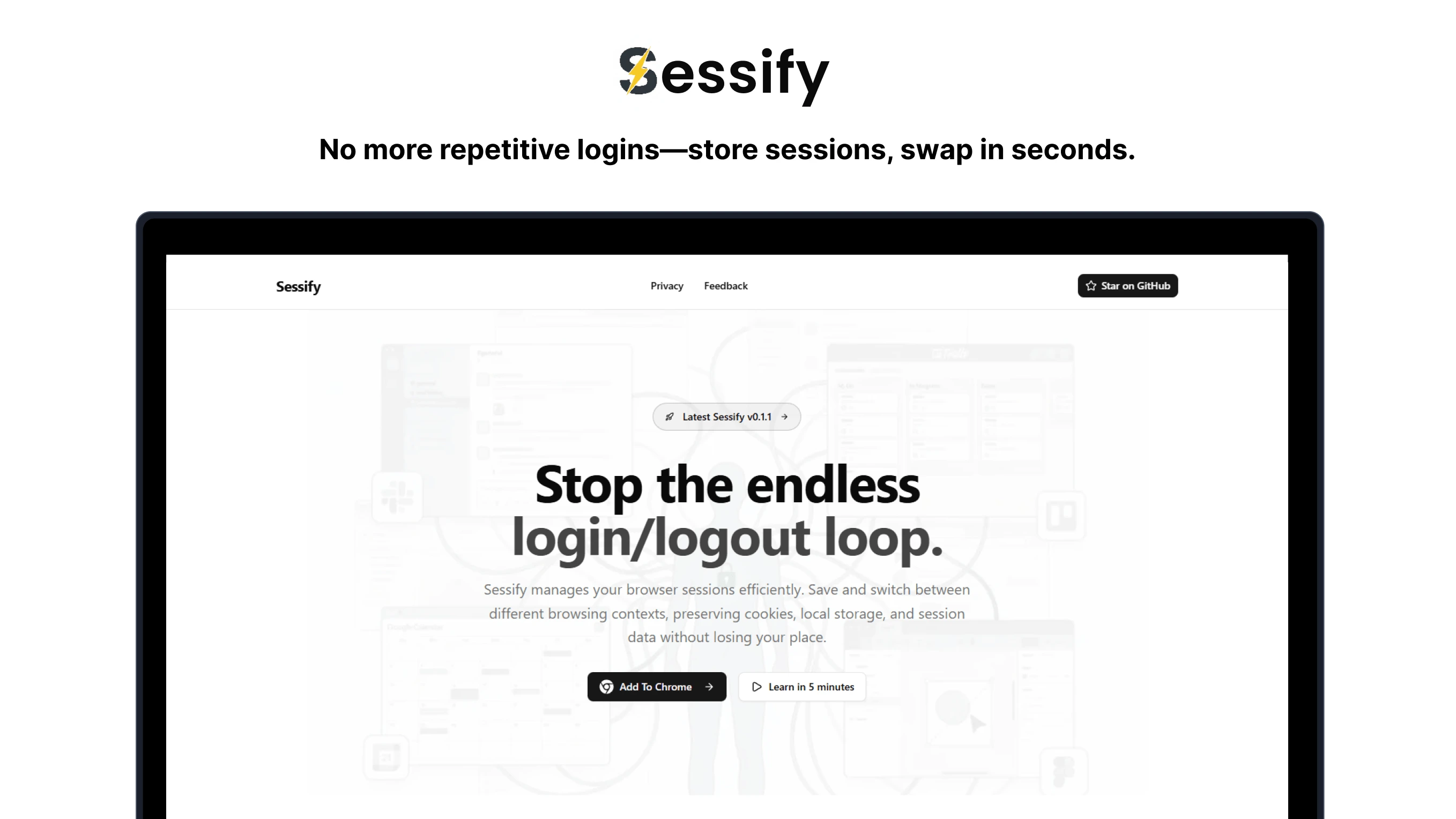
Overview
Sessify is a powerful browser extension designed to revolutionize how you manage multiple browser sessions. Say goodbye to the endless cycle of logging in and out. Sessify lets you save complete session states and switch between them instantly with just a click.
Whether you're juggling personal and work accounts, testing different user roles in development, or managing multiple client profiles, Sessify transforms what used to be a tedious workflow into a seamless experience. The extension maintains separate session states for different accounts on the same platform, eliminating the need for incognito windows or profile switching.
The Problem It Solves
Before Sessify, managing multiple accounts meant choosing between inconvenient workarounds: opening countless incognito windows, creating separate browser profiles, or constantly logging in and out. For developers and testers, this often led to error-prone workflows, like manually modifying code to test different session states or juggling browser windows to maintain separate contexts.
Sessify was born from this frustration. Built with modern web technologies including React(opens in a new tab) for a responsive interface and WXT(opens in a new tab) for cross-browser compatibility, it offers a clean, reliable solution that fits naturally into your workflow.
Key Features
Session Management
- One-click save and restore: Capture your current session state instantly and switch back to it anytime
- Seamless account switching: Move between different accounts without logging out
- Persistent state: Sessions survive browser restarts, crashes, and updates
- Smart session detection: Automatically identifies and organizes sessions by domain
User Experience
- Cross-browser support: Works on Chrome, Edge, Brave, Opera, Firefox, and other Chromium-based browsers
- Clean, intuitive interface: Minimalist design optimized for productivity
- Dual UI modes: Access via popup or sidepanel, with synchronized state across both
- Visual indicators: Dynamic badge shows saved session count for your active tab
- Detailed session info: View session names, URLs, timestamps, and storage snapshots at a glance
Wide Compatibility
Sessify works with a broad range of platforms including social media sites, e-commerce platforms, SaaS applications, development tools, and productivity services. The extension intelligently handles localStorage, sessionStorage, and cookies to maintain complete session fidelity.
Understanding the Limitations
Transparency is important. While Sessify significantly streamlines session management, there are some constraints to be aware of:
-
Storage capacity
Browser extensions have storage limits (5MB by default, expandable with user permission). For most use cases this is more than sufficient, but users with extensive session data across many sites may occasionally need to manage their saved sessions.
-
Third-party cookie dependency
Some platforms rely on third-party cookies for authentication. Since modern browsers increasingly block these by default for privacy reasons, certain sites may not fully restore sessions through Sessify.
-
High-security platforms
Banking sites, government portals, and other security-critical services often implement anti-session-replay protections. These security measures may prevent or limit session restoration capabilities.
-
Fresh session creation
When adding a new session, Sessify clears all current site data (cookies, localStorage, sessionStorage) to ensure a clean login environment. This is by design to prevent session conflicts, but means any unsaved data in the current session will be lost.
-
Platform-specific storage mechanisms
While Sessify supports standard web storage APIs, some platforms use proprietary or non-standard storage systems that may not be fully compatible.
-
Browser requirements
Sessify requires modern browsers with support for contemporary extension APIs (Manifest V3).
How It Works: Technical Deep Dive
Understanding Sessify's architecture helps illustrate its capabilities and reliability. The extension operates through four core operations:
1. Active Tab Detection
The extension first identifies your current browsing context by querying the active tab and extracting its domain information.
/**
 * Get the active tab in the current window
 * @see https://developer.chrome.com/docs/extensions/reference/api/tabs
 */
const [tab] = await chrome.tabs.query({ active: true, currentWindow: true });
const url = new URL(tab.url ?? "");
2. Session Data Capture
When you save a session, Sessify creates a complete snapshot of the site's authentication state by capturing three types of storage:
// Capture localStorage data
const local = await chrome.scripting.executeScript({
  target: { tabId: tab.id! },
  func: () => Object.entries(localStorage),
});

// Capture sessionStorage data
const session = await chrome.scripting.executeScript({
  target: { tabId: tab.id! },
  func: () => Object.entries(sessionStorage),
});

// Capture cookies for the current domain
const cookies = await chrome.cookies.getAll({ url: url.origin });

// Store everything in extension local storage, indexed by hostname
await chrome.storage.local.set({
  [url.hostname]: { local, session, cookies },
});
This comprehensive approach ensures that all components of your session state are preserved, from authentication tokens to user preferences.
3. New Session Creation
Creating a fresh session involves clearing existing storage to prevent cross-contamination between accounts:
// Remove existing cookies
await chrome.cookies.remove({ url: url.origin, name: "sessions" });

// Clear browser storage
await chrome.scripting.executeScript({
  target: { tabId: tab.id! },
  func: () => {
    localStorage.clear();
    sessionStorage.clear();
  },
});

// Reload the page to reflect the clean state
await chrome.tabs.reload(tab.id!);

// User can now log in with new credentials
// After login, capture the new session (return to step 2)
4. Session Switching
Switching between saved sessions restores the complete storage state, effectively "replaying" your previous authentication:
// Retrieve the saved session data
const { local, session, cookies } = await chrome.storage.local.get(
  url.hostname
);

// Restore browser storage
await chrome.scripting.executeScript({
  target: { tabId: tab.id! },
  func: (data) => {
    // Clear current state
    localStorage.clear();
    sessionStorage.clear();

    // Restore saved state
    for (const [k, v] of data.local) localStorage.setItem(k, v);
    for (const [k, v] of data.session) sessionStorage.setItem(k, v);
  },
  args: [{ local, session }],
});

// Restore cookies
for (const cookie of cookies) {
  await chrome.cookies.set({ ...cookie, url: url.origin });
}
The page recognizes the restored session state immediately, allowing you to continue exactly where you left off in that account.
Project Architecture
Role
Full Stack Developer - Responsible for end-to-end development including architecture design, implementation, testing, and deployment of both the browser extension and promotional landing page.
Technology Stack
Sessify is built as a modern monorepo containing two complementary applications:
- Extension Application - The core browser extension
- Landing Page - Product website and documentation
Extension Stack
A JavaScript library for building user interfaces.
A superset of JavaScript that compiles to clean JavaScript.
A next generation front-end tool that focuses on speed and performance.
A utility-first CSS framework.
A framework for building cross-platform applications.
Declarative routing for React.
Why these choices?
- React: Component-based architecture for maintainable UI development
- TypeScript: Type safety and better developer experience
- Vite: Lightning-fast build times and hot module replacement
- Tailwind CSS: Utility-first styling for rapid, consistent design
- WXT: Modern framework for cross-browser extension development
- React Router: Client-side routing for multi-page extension views
Landing Page Stack
A React framework for production.
A superset of JavaScript that compiles to clean JavaScript.
A utility-first CSS framework.
Why these choices?
- Next.js: Server-side rendering for optimal SEO and performance
- TypeScript: Shared type safety across the entire project
- Tailwind CSS: Consistent design language with the extension
Monorepo Infrastructure
A high-performance monorepo build system.
Why Turborepo?
- Efficient build caching across applications
- Simplified dependency management
- Streamlined development workflow
Development Timeline
- Project Start: August 23, 2025
- Status: Active development and maintenance
Get Started
Ready to simplify your session management? Sessify is available across multiple platforms:
Download & Install
- Chrome Web Store(opens in a new tab) - For Chrome, Edge, Brave, Opera, and Chromium browsers
- Firefox Add-ons(opens in a new tab) - For Firefox users
Learn More
- Landing Page(opens in a new tab) - Feature overview and documentation
- GitHub Repository(opens in a new tab) - Source code, issues, and contributions
Contributing
Sessify is open source and welcomes contributions! Whether you've found a bug, have a feature request, or want to contribute code, visit the GitHub repository(opens in a new tab) to get involved.
Sessify: Session management made simple.